LineLedger speaks English and French. The language is chosen in three separate places, and they do not affect one another: each person picks the language of the app they work in, each organization picks the language its documents go out in, and each customer can override that with a language of their own. A bookkeeper can work in English all day and still send a Montréal client invoices in French.
Your interface language
The language of the app itself — menus, forms, on-screen reports, and this documentation — is a personal setting. It follows you into every organization you belong to and changes nothing for your teammates.
To change your interface language:
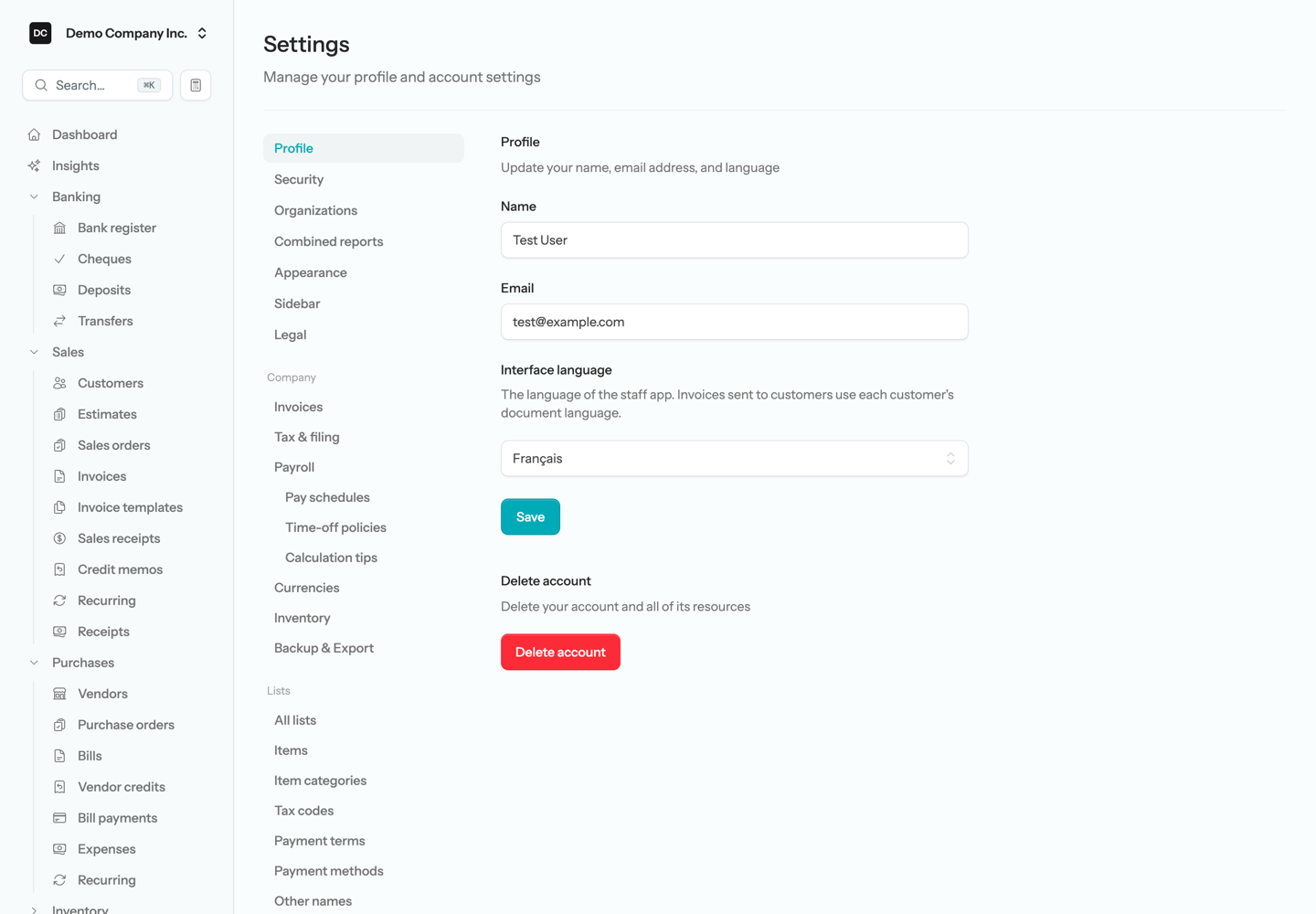
- Open Settings → Profile.
- Choose English or Français under Interface language. Default follows the server’s default language, which is English unless the person running your LineLedger site has changed it.
- Select Save. The new language applies from the next page you open.
Before you sign in, the sign-in, registration, and password screens show an English · Français switcher below the form. Choosing a language there is remembered by that browser. Once you are signed in, your profile setting wins; if you have never set one, the browser’s choice applies, and failing that the server default.
An organization’s document language
Every organization has a Document language: the language of the invoices, estimates, statements, and other forms it prints and emails, of those emails themselves, and of its customer payment portal. Owners and Admins set it on the organization’s edit page under Settings → Organizations, beside the timezone.
A new organization in Quebec starts in French. Anywhere else it starts in the language of the person who created it, so someone working in French who sets up an Ontario or UK organization gets French documents — check the setting after creating one. Organizations that existed before languages were added start in English.
A customer’s language
A customer can have a Document language of their own, on the Payment & billing tab of the customer form. Leave it on Organization default and the customer gets the organization’s language; pick English or Français and that customer’s invoices, estimates, credit memos, sales orders, receipts, and statements print in it, the emails that carry them are written in it, and their portal opens in it.
Vendors have no language setting, so bills, purchase orders, vendor credits, and bill payments print in the organization’s document language.
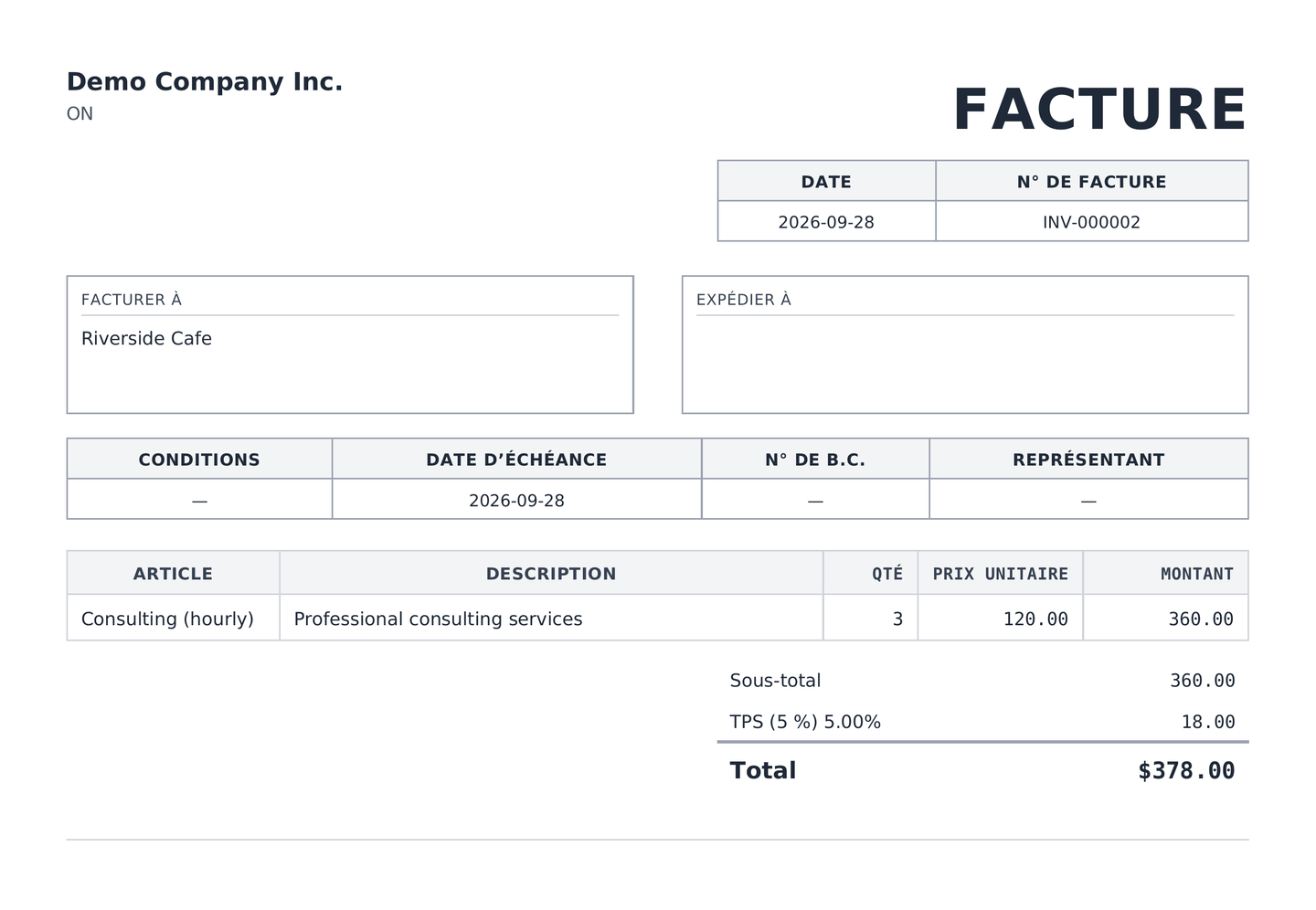
Note — Dates on French documents. A document in French prints its dates as year-month-day (2026-03-04), which reads the same way in both languages. A UK organization’s day-first dates (04/03/2026) are kept as they are in French too.
The portals
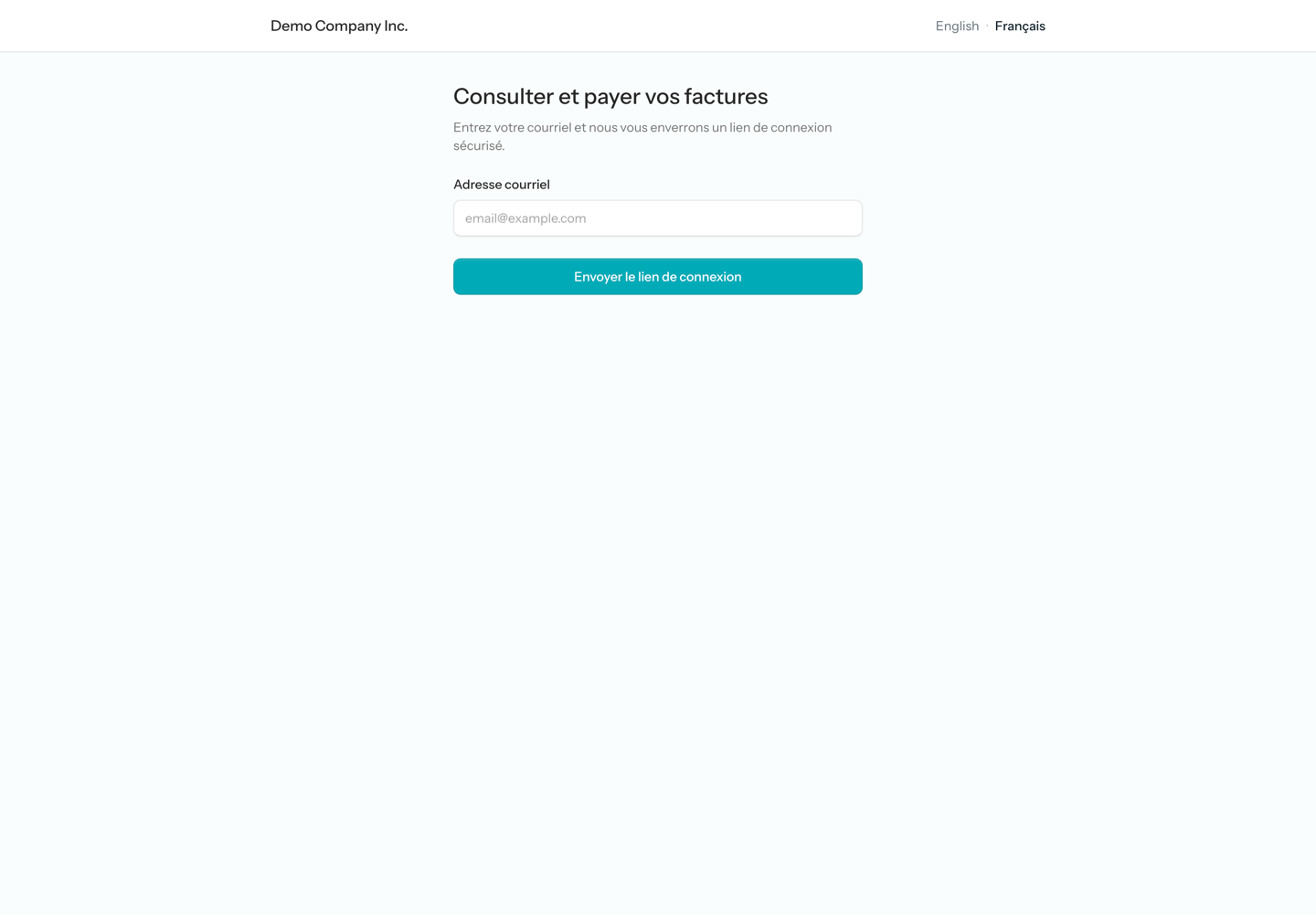
The customer payment portal opens in the signed-in customer’s document language, or in the organization’s when the customer has none. Its pages carry the same English · Français switcher, so a customer can change it themselves; their choice is remembered by their browser and overrides the setting on their record. Adding ?lang=fr or ?lang=en to any portal address does the same thing.
The employee portal has no switcher of its own. It follows a language already chosen in that browser, then the organization’s document language.
- Emails to a customer — a sent invoice, a payment reminder, a statement — are written in that customer’s document language.
- Notifications to a person with an account use their interface language, or the server default if they have none.
- An invitation to join an organization is written in the invitee’s interface language when they already have an account, and in the organization’s document language when they do not.
- A report you email from the Reports area is written in the organization’s document language.
Account and tax names
The accounts, tax codes, tax agencies, and payment methods a new organization starts with are stored in English and shown in your interface language: Chequing reads Compte de chèques and QST-QC reads TVQ for someone working in French, while a teammate working in English still sees Chequing. Names you add or rename yourself are shown as you typed them.
What stays in English
A few things print in English whatever language is chosen:
- Most report downloads. On screen every report is translated, but the PDF of a financial statement, the general ledger, the aging and sales tax reports, and the government slips and remittance reports (T4, T4A, RL-1, PD7A, and the rest) is in English. The payroll register and the T2125 are the exceptions.
- The bank reconciliation PDF and the official donation receipt.
- The way most amounts are written. Totals on screen and on printed documents keep the 1,234.56 style in French too, with the currency symbol in front.
- The screenshots on these documentation pages, which were taken in English.
Related pages
- Settings — your profile and the organization’s edit page.
- Customers — the customer form and sending invoices and statements.
- Customer portal — what customers see once they sign in.